USB redirection problem
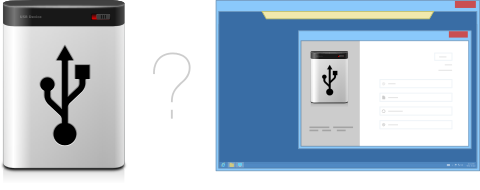
Accessing your local devices from remote desktop session may bring a lot of headache. In some environments it is possible to access some generic devices, like mass storage or printers. But why can't you redirect all the rest of your USB devices just as easily?
USB for Remote Desktop
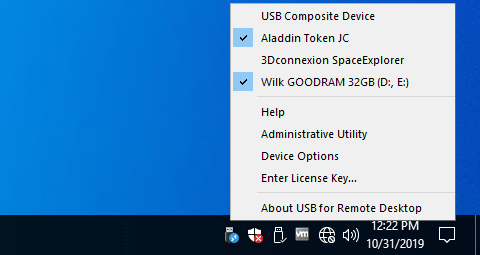
Using USB for Remote Desktop it's possible to access your local USB devices from a remote desktop session. USB devices appear as if they were plugged directly to the remote computer. And it works with virtually any device.
The program consists of two parts: Server and Workstation. The Workstation is installed on the local computer where the USB devices are physically plugged in. The Server should be installed on the remote side (remote desktop server, VDI, distant computer or cloud instance). Once you are logged into remote session, your local USB devices will become accessible on the remote side.
Protocol and OS support
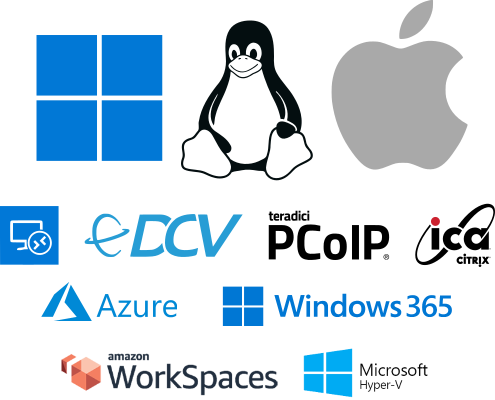
USB for Remote Desktop supports Microsoft RDP, Citrix ICA, Amazon NICE DCV, VMware Blast and Teradici PCoIP protocols and can extend USB support in Microsoft Azure, Remote Desktop Services, Hyper-V, Citrix Virtual Apps and Desktops, VMware Horizon, AWS and other environments.
Windows and Linux are supported as a remote desktop OS.
Windows, Linux and macOS are supported on the local (Workstation) side.
Works with virtually any device
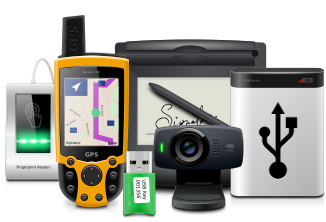
Thanks to low-level USB virtualization, our solution is not limited to some specific USB device classes. Even the most exotic, rare or custom-made USB hardware can be shared and accessed remotely.
Double hop session support

You can connect from your workstation to remote Server 1. And then initiate a connection to another Server 2 session from Server 1. The device will be accessible on Server 2 without any additional configurations.
Built with security in mind
USB data packets are transferred directly between Workstation and Server program parts, that are installed on your computers. No FabulaTech or any third-party servers are involved. The only exception is optional checking for new versions. So the solution can be locked in your local network without Internet access.
Workstation and Server parts communicates to each other via virtual channels as a part of remote desktop protocols. Therefore, connection security is provided by existing remote desktop protocols encryption and authentication.
A lot of useful features
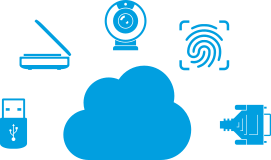
- Drivers are not required on the local side. Moreover, even devices unsupported by the workstation OS can be perfectly redirected with USB for Remote Desktop.
- USB for Remote Desktop can be configured to redirect all hot-plugged USB devices immediately and automatically.
- USB port can be redirected instead of USB device. Any device plugged to that port connects to the Server side automatically.
- Enterprise-ready solution thanks to Active Directory support.
- USB for Remote Desktop, as well as other FabulaTech solutions, is fully compatible with Azure Virtual Desktop.
Additional Information
More details at USB for Remote Desktop page on fabulatech.comOS: Windows, Linux, macOS, Version: 6.2
Price: $
Rating: 4.9
(8 reviews)
Try Something Bigger
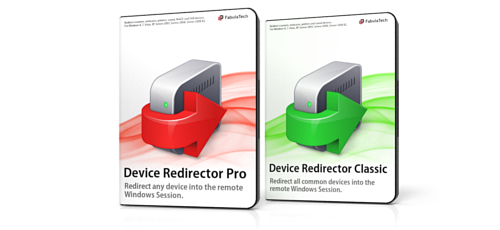
We're reinventing our device redirection software to offer you even more rich user experience while working in remote desktop environment.
Device Redirector is a combined solution allowing you to redirect almost every device to remote desktop session. Learn more about it's benefits and new features.